
What Is a Manufacturing ERP?
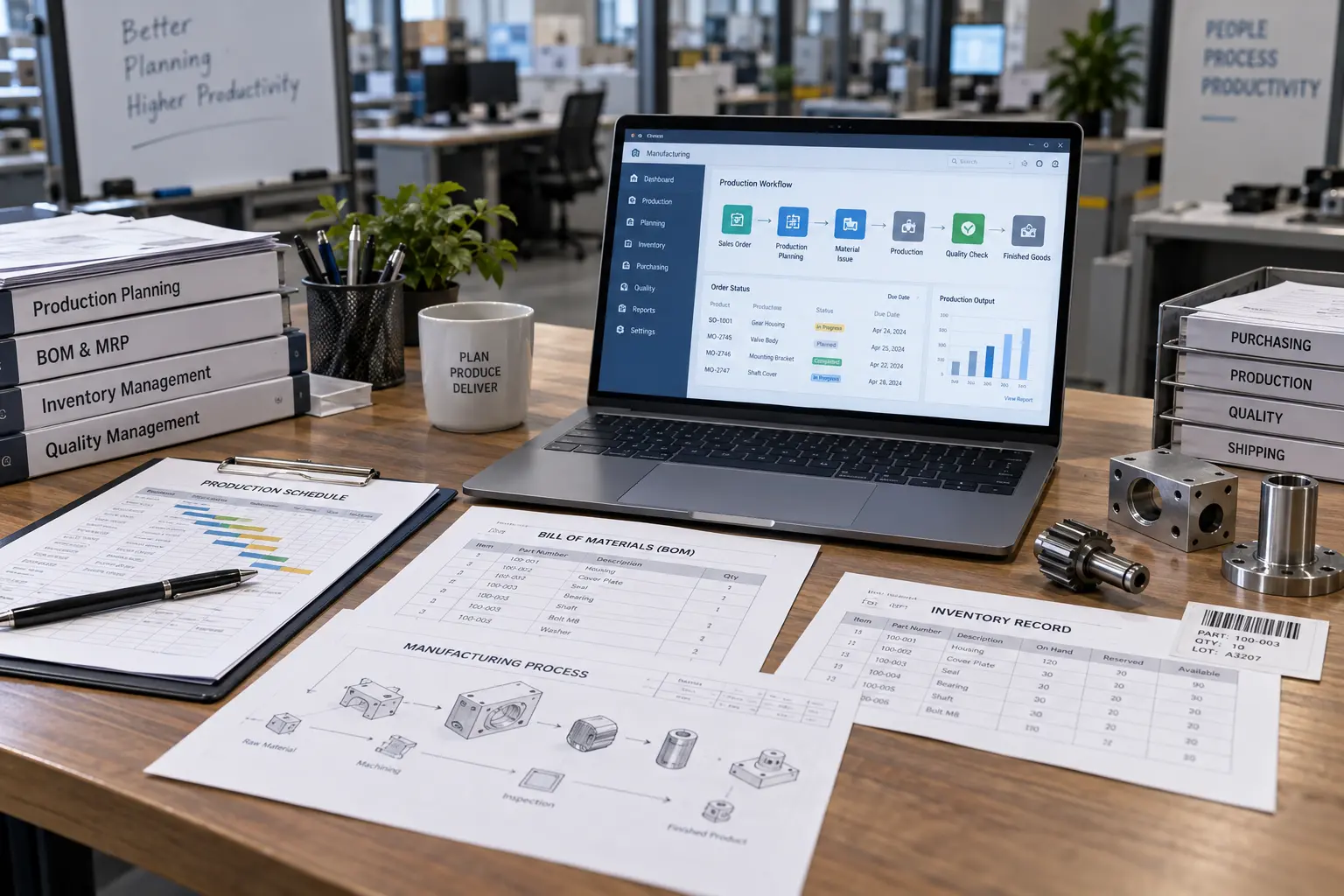
A manufacturing ERP is a business management system that connects core manufacturing operations such as production planning, inventory, purchasing, BOMs, workflows, and financial or business processes in a shared system. Instead of production, purchasing, inventory, sales, finance and warehouse teams maintaining separate information, the ERP creates a shared operational picture.
A company may technically have an ERP installation without having an effective ERP system — the software exists, but it isn't functioning as the connected system it's meant to be. A factory might own a modern ERP platform, but if production schedules still live in Excel, stock counts are corrected by hand every week, and purchase orders don't match what the shop floor actually needs, the software has become another disconnected system instead of the operational source of truth.
A properly configured manufacturing ERP connects sales orders, bills of materials, production planning, purchasing, inventory, quality and finance. A 2026 systematic review of ERP research in SMEs identifies ERP as an important foundation for integration, automation, decision-making and digital transformation — so the real question shifts from “What can AI do?” to “Does our operational data actually reflect reality?” Encrypted Infoweb builds this foundation through custom ERP development and ERP API integration.
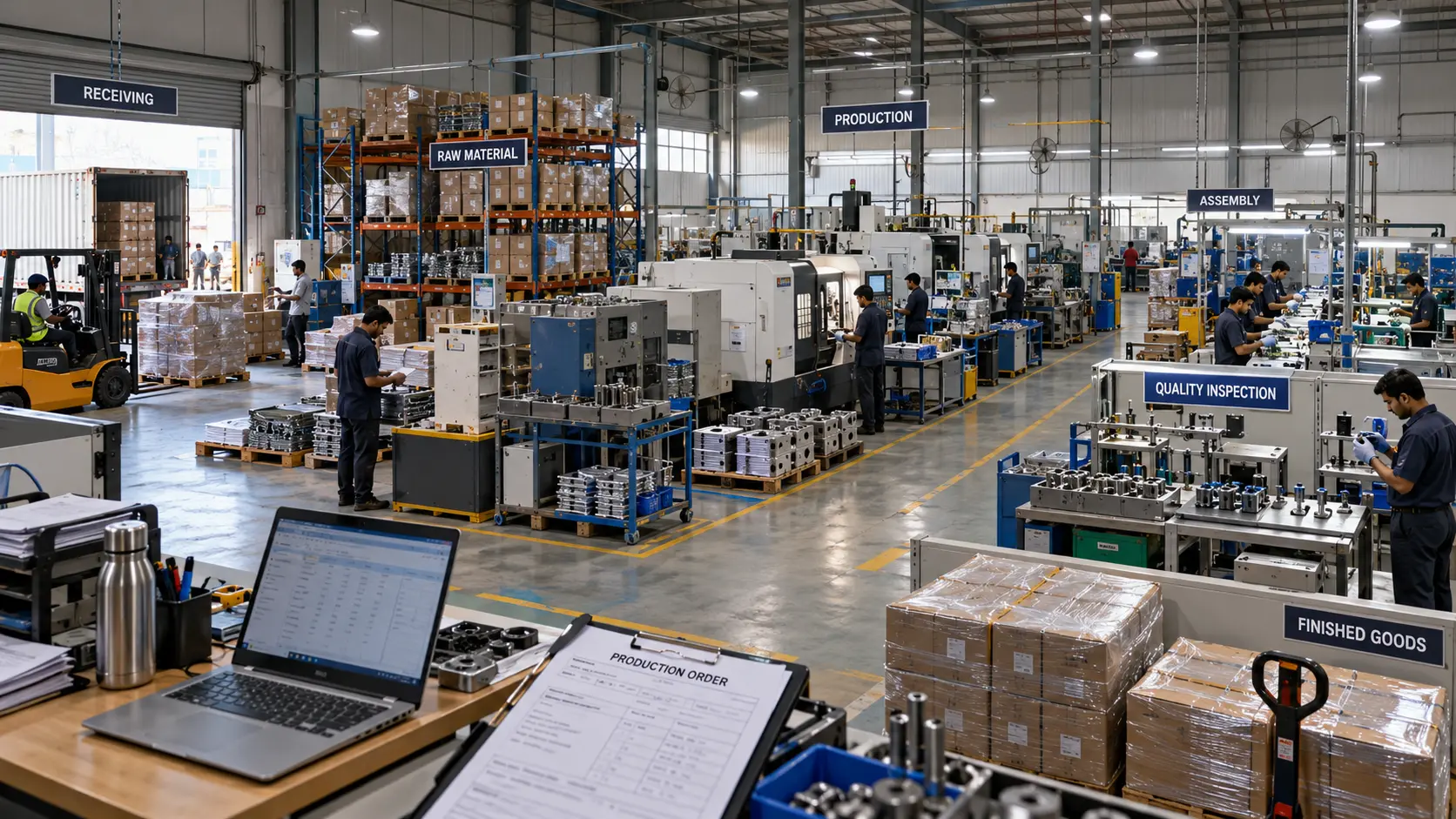
- ✓Sales orders — customer, product, quantity, pricing and delivery captured at the source
- ✓Production planning with work orders, capacity and machine availability in one plan
- ✓Purchasing connected to real requirements, not a hidden spreadsheet
- ✓Inventory accuracy across raw materials, work-in-progress and finished goods
- ✓Quality checks tied to batches, work orders and products instead of separate paperwork
- ✓Finance and shipping connected back to the original customer order
Why an AI Pilot Without a Working ERP Quietly Stalls
Understanding how an AI initiative actually fails is the foundation of any realistic manufacturing ERP roadmap. A forecasting demo usually has advantages that disappear once it touches real operations — a hand-picked dataset, a narrow use case, dedicated vendor attention, and a small group of enthusiastic users. Everyday production data is different, and the failure unfolds across four predictable stages.
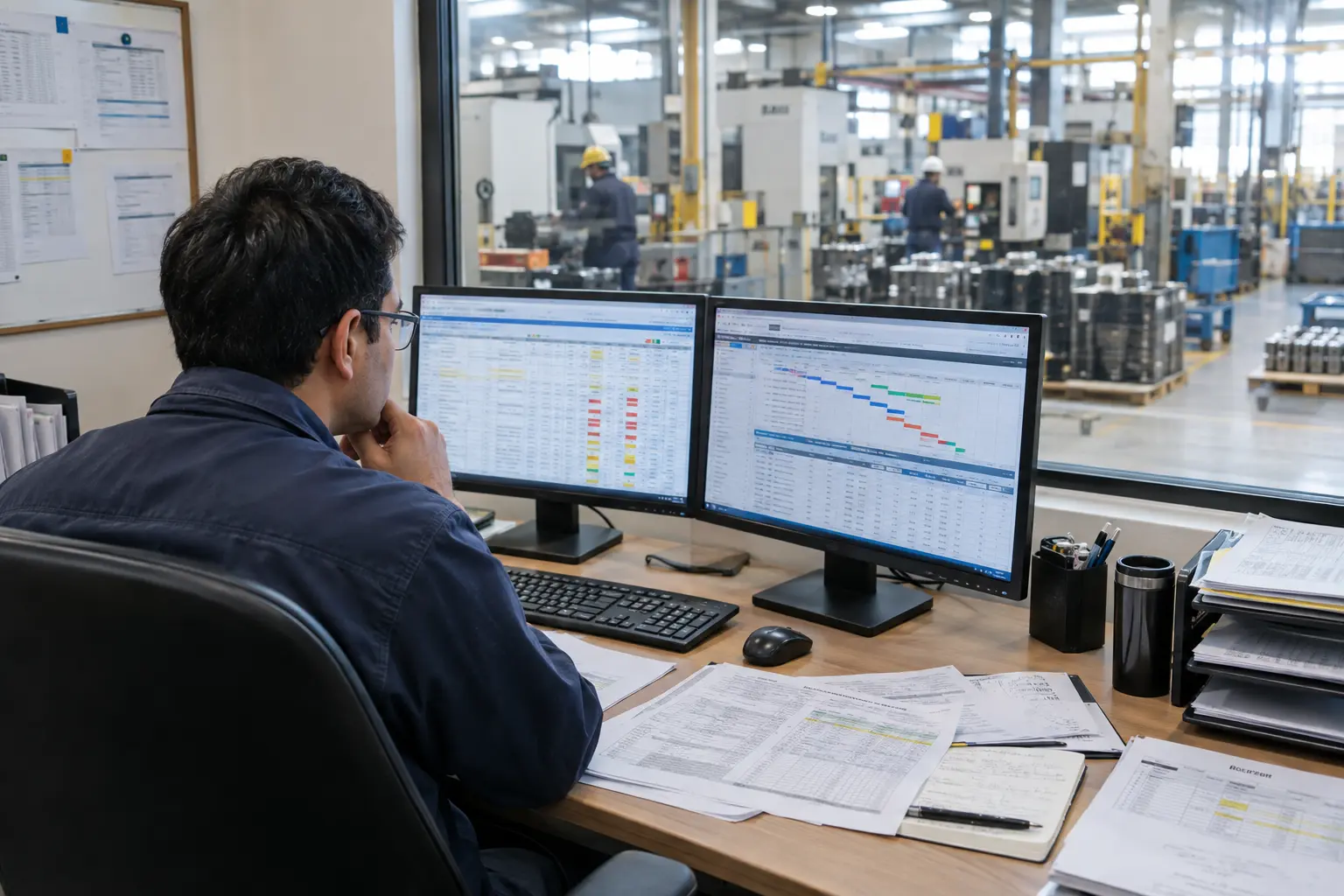
Management Wants an AI Forecast
The demo looks sophisticated and the sales pitch is convincing — but nobody has checked whether the underlying data is actually reliable.
Bad Master Data Surfaces
Duplicate product codes, outdated BOMs and inventory that doesn't match the shop floor mean the AI is processing unreliable inputs faster, not fixing them.
Trust in the Output Erodes
Planners quietly go back to checking the numbers manually against Excel, and leadership struggles to point to a measurable operational outcome.
The Roadmap Stalls
Without clean master data and connected systems underneath it, the AI initiative stalls — not because the model failed, but because the ERP foundation was never built.
Key insight: AI does not make unreliable data trustworthy — it simply processes it faster. If the ERP holds inaccurate inventory quantities, inconsistent product codes and outdated bills of materials, anything built on top of it inherits those problems. Custom ERP development, system integration and reporting address the cause rather than the symptom.
Why Small Manufacturers Need a Working ERP Before AI
Small manufacturers should fix their ERP foundation before adding AI because AI depends on reliable operational data and processes. If inventory, BOMs, product records, production workflows or integrations are inconsistent, AI may automate or analyse information that is already inaccurate. For a small manufacturing business the value of ERP is surprisingly practical — it turns manual investigations into system queries.
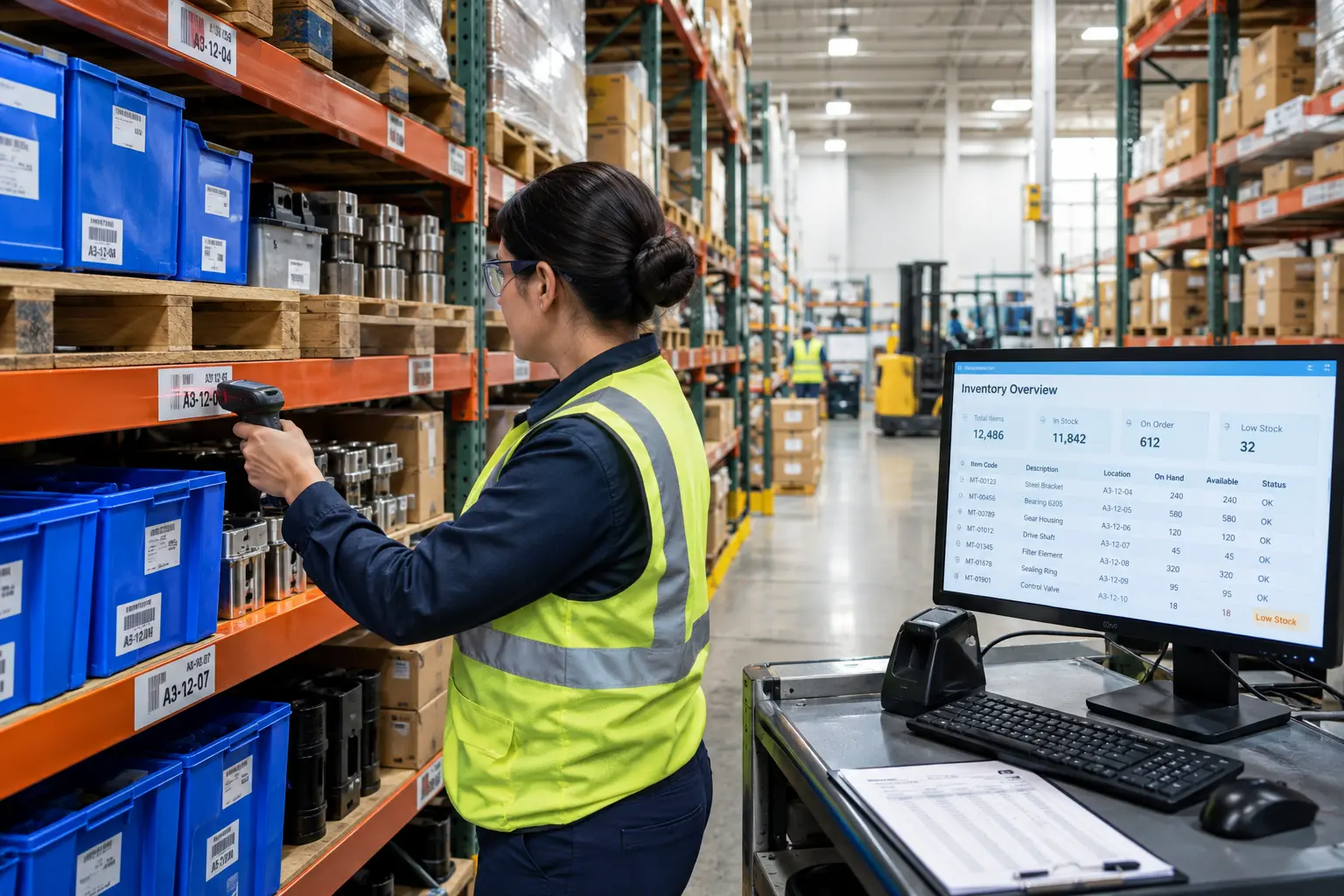
One Source of Operational Truth
When production, purchasing, warehouse and finance work from different spreadsheets, every department has a different version of reality.
Better Production Visibility
Managers track work orders, status and bottlenecks without repeatedly asking supervisors for updates.
More Reliable Inventory
Inventory becomes part of the operational process rather than a separate weekly reconciliation exercise.
Connected Departments
Sales, procurement, production, warehouse and finance operate from connected information instead of passing data around by hand.
Repeatable Workflows
Approvals, purchase orders, stock movements and production processes are standardised across the business.
Better Management Decisions
When the underlying operational information is trustworthy, dashboards and analytics become substantially more useful.
The Technology Layers We Build
How Manufacturing ERP Works Inside a Small Factory
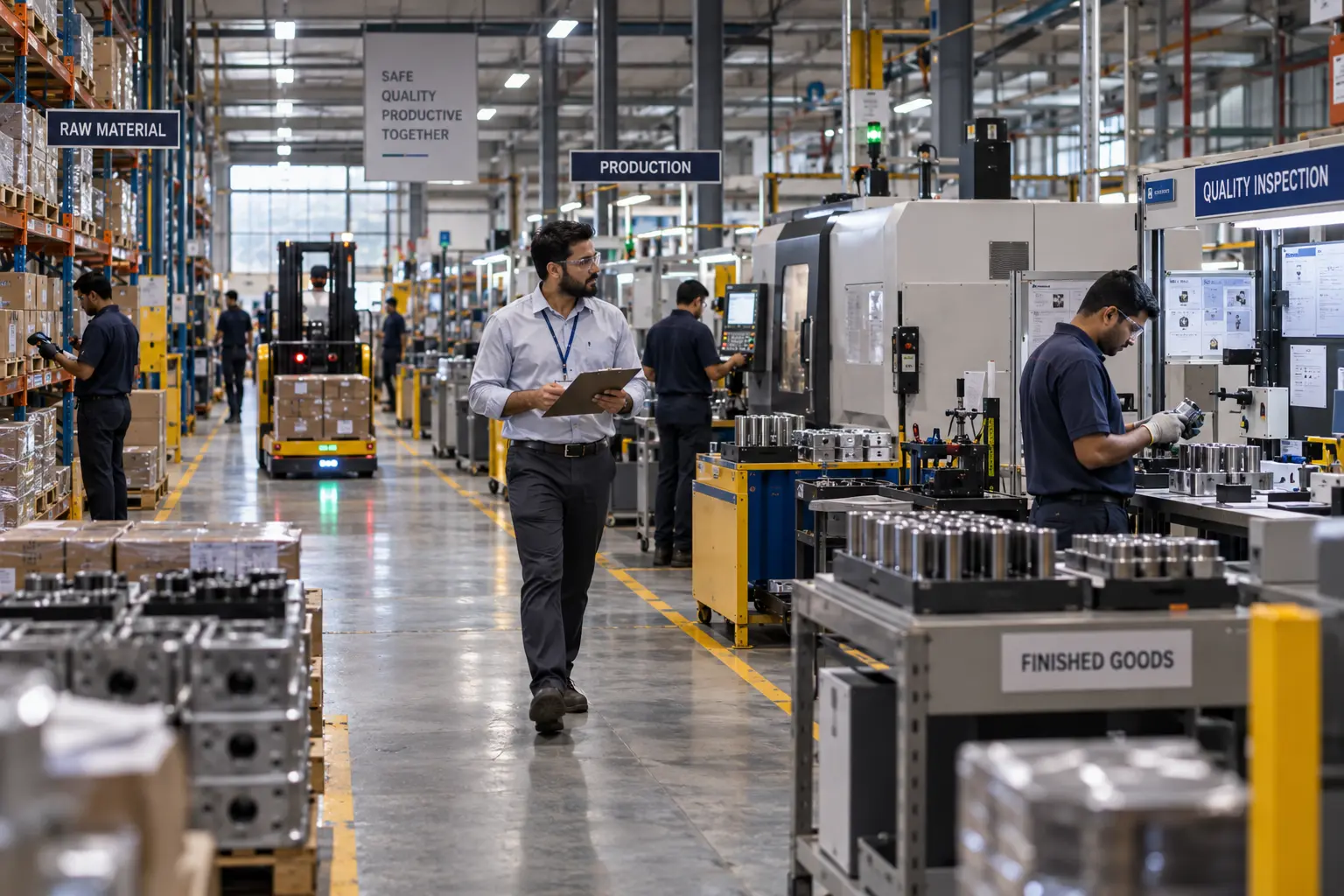
A manufacturing ERP should create a connected flow of information from customer demand through to production and delivery. Seven stages carry the order from the sales desk to the invoice, and a weak link at any one of them is usually where the spreadsheets creep back in.
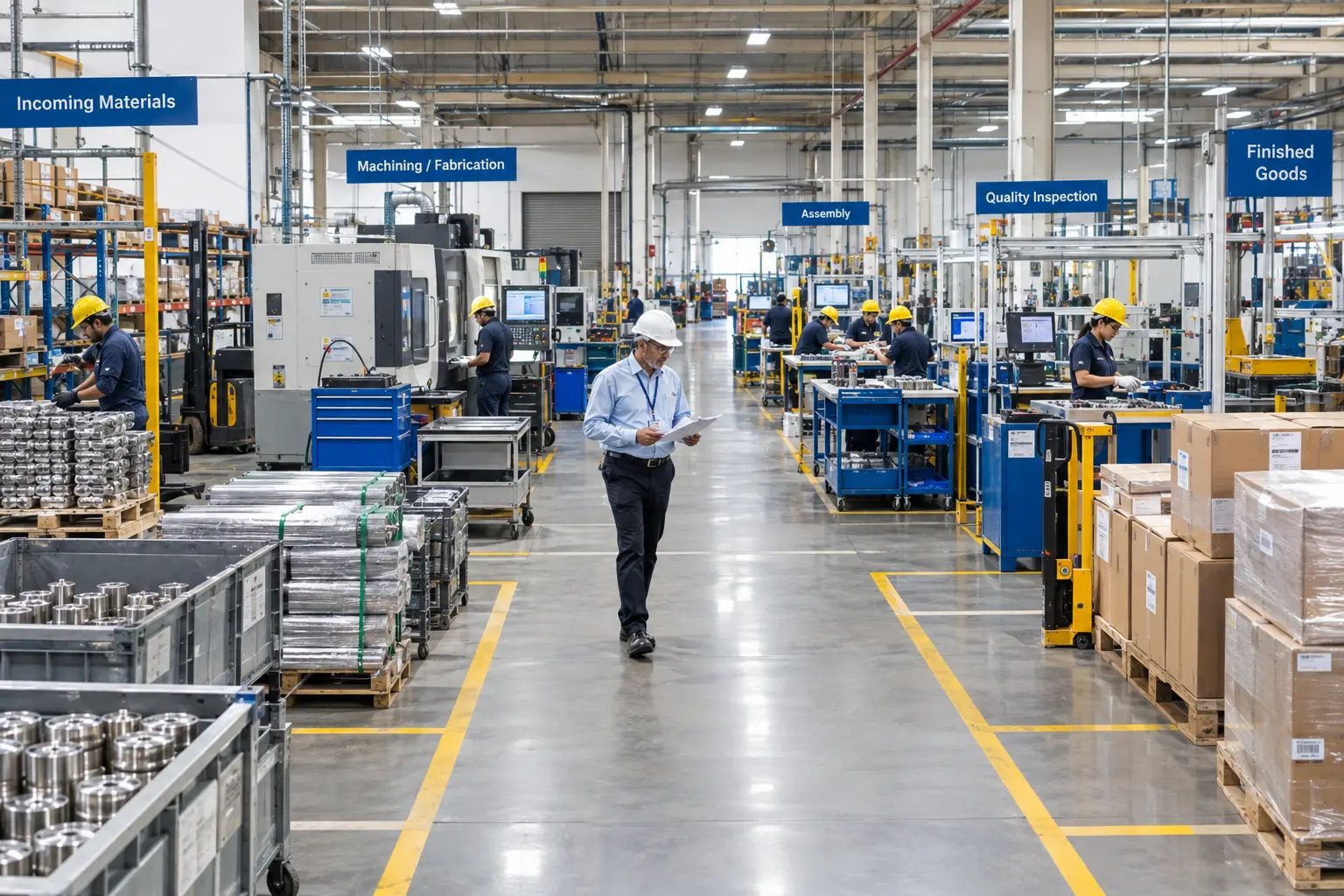
- ✓Customer order — customer, product, quantity, required date, pricing and delivery are recorded as the starting point for everything downstream
- ✓Production planning — schedules, work orders, capacity and machine availability replace disconnected planning decisions
- ✓Material requirements — required materials are checked against available inventory, where planning, inventory and procurement connect
- ✓Purchasing — requirements become purchase orders with supplier information, delivery dates, quantities and costs in one environment
- ✓Shop floor execution — job status, quantities produced, material consumption, scrap and machine time are recorded as close to real time as possible
- ✓Quality control — checks are associated with batches, work orders or products as part of operational history, not separate paperwork
- ✓Finished goods, delivery & finance — inventory updates and shipping and invoicing connect back to the original order
The lesson: ERP for small manufacturers is more than administrative software. It is the operational data foundation that future automation, analytics and AI build upon — a 2026 systematic review of ERP research in SMEs identifies it as a key enabler of digital transformation.
Generic ERP vs. Manufacturing ERP
Not every ERP is built with production in mind. Six areas show where a manufacturing-specific system differs from a general-purpose business platform — and neither category is universally superior, since the right fit depends on how production-specific the operational needs are.
Production Planning and BOM/MRP
A generic ERP offers general business planning and may provide basic product structures. A manufacturing ERP handles production schedules, capacity and shop-floor requirements, and supports BOM accuracy, material planning and true manufacturing requirements calculation.
Shop-Floor Operations and Inventory
Generic platforms carry limited operational detail and general stock management. A manufacturing system covers production workflows, work orders and shop-floor visibility, and separates raw materials, work-in-progress, finished goods and production inventory.
Procurement and Manufacturing Workflows
General purchasing workflows and generic process automation are replaced by purchasing connected directly to production and material requirements, with processes built around actual manufacturing operations as they run on the floor.
Signs Your Current ERP Isn't Working
A few everyday warning signs reveal whether an ERP is the single source of truth or has quietly become another disconnected system: production still relies heavily on Excel, stock counts need frequent manual correction, purchase orders don't match actual shop-floor requirements, product or master-data records are duplicated or inconsistent, and different teams maintain separate versions of operational information.
Three Details That Make or Break ERP Implementation
Whether the goal is production management software, manufacturing process automation or a broader inventory management system, a handful of details tend to decide whether an ERP implementation for manufacturing actually succeeds.
BOM Accuracy
Accurate bills of materials matter because production planning, purchasing, inventory requirements, costing and shop-floor execution can all depend on BOM data. If BOMs are outdated or inconsistent, every downstream ERP process produces unreliable results — and no amount of analytics on top will correct it.
Data Migration and Multi-Site Design
Data migration is not simply moving records between systems. Manufacturing projects usually require reviewing, cleansing, standardising, mapping and validating product, BOM, inventory, supplier and customer data before loading it. Multi-site manufacturers also need consistent master data, shared processes, site-specific workflows, inventory visibility and controlled access across locations — all of which should be designed before any automation or AI is introduced.
Budget guidance: There is no single price for ERP implementation. Cost depends on users, modules, existing systems, data migration, integrations, customisation, deployment model and complexity — a single-site manufacturer and a multi-plant group can have dramatically different requirements.
8 Common ERP Mistakes Small Manufacturers Make
Most failed ERP projects are not defeated by technology. They are defeated by a handful of decisions made early, before a single record is migrated — and these eight come up again and again.
- ✓Buying software before mapping processes — a demonstration is not the same as an implementation plan
- ✓Automating a broken process — automating a complicated approval flow just makes it happen faster
- ✓Treating Excel as the enemy — the problem is critical data living in uncontrolled spreadsheets, not spreadsheets themselves
- ✓Ignoring master data — bad product codes and inconsistent BOMs create downstream problems everywhere
- ✓Implementing everything at once — a phased rollout is usually more practical for limited IT resources
- ✓Forgetting the shop floor — an ERP built only around office processes struggles when production data never comes back
- ✓Measuring software instead of outcomes — ask whether visibility, stock accuracy and delays actually improved
- ✓Adding AI because competitors are talking about it — without a process, data, outcome and owner, AI may not be ready yet
Mistake four is the one that quietly undermines all the others. Many repetitive spreadsheet-driven processes can be moved into ERP workflows, but the goal is not to eliminate Excel everywhere — it is to identify where spreadsheets have become an unofficial system of record and replace those workflows with controlled processes.
A Closer Look at Mistake #4: Before and After
Cleaning master data is significantly cheaper than rescuing a failed AI pilot later. AI cannot fix inconsistent product, BOM, inventory or master data — the ERP foundation needs reliable operational records first. Four areas do most of the work.
SKU Naming
Inconsistent and duplicate codes across systems become one standardised naming convention every team uses.
BOM Data
Outdated and inconsistent bills of materials become a controlled BOM structure that planning and costing can rely on.
Product Records
Duplicate entries are consolidated into one standardised record per product, removing conflicting versions.
Inventory Information
Conflicting stock records become consistent operational data shared across production, warehouse and finance.
A Practical Digital Transformation Path
A small manufacturer does not need to become a “smart factory” overnight. Not every small manufacturer needs a large enterprise ERP platform either — but as production, inventory, purchasing, sales and finance grow more complex, a connected system reduces the dependency on spreadsheets and manual coordination. A realistic roadmap has six stages.
- ✓Stabilise — clean the ERP by fixing master data, BOMs, inventory and core processes
- ✓Connect — integrate ERP with CRM, WMS, accounting and supplier systems
- ✓Automate — remove repetitive work such as approvals, notifications and routine transactions
- ✓Visualise — build operational dashboards for current KPIs
- ✓Optimise — use analytics to identify bottlenecks and cost drivers
- ✓Add AI — apply intelligence where it creates measurable value
ERP cleanup has no single fixed timeline. A focused master-data cleanup can be measured in weeks, while broader remediation or reimplementation takes considerably longer — the timeline depends on data quality and volume, workflows and integrations, the number of sites, and how much process change is required.
A 70-Person Manufacturer That Wanted AI but Needed ERP Cleanup
The important lesson is that the manufacturer did not reject AI — it put AI in the correct place in the technology roadmap.
Ready to Fix Your Manufacturing ERP?
Encrypted Infoweb helps manufacturers assess existing systems, identify operational gaps, develop or extend ERP functionality, connect systems through APIs and automate repetitive business processes.
Book a Free Consultation →Conclusion: Fix the ERP Before You Add AI
The argument is not that small manufacturers should ignore AI. It is that AI should not become a distraction from operational fundamentals. If inventory data is unreliable, fix inventory. If production planning lives in Excel, improve production planning. If the ERP does not communicate with the warehouse, integrate it.
The strongest approach to manufacturing ERP is to start with the operational problem and work backwards: clean the data, connect the systems, automate the repetitive work, build the dashboards, then ask where AI can create additional value.
The competitive advantage will not necessarily go to the manufacturer with the most AI pilots. It will go to the businesses that build reliable, connected and repeatable operations. Contact us today for a free consultation.
This guide was produced by the technology specialists at Encrypted Infoweb — a global technology partner helping organisations use software, AI and automation to improve operations, customer experience and sustainable growth. We develop and integrate ERP systems around real business processes rather than forcing manufacturers into disconnected software workflows, covering custom ERP development, module development, integration, workflow automation, reporting and ongoing support. Trust signals: verified industry research · illustrative implementation example · actionable step-by-step guidance.